


COMET Database
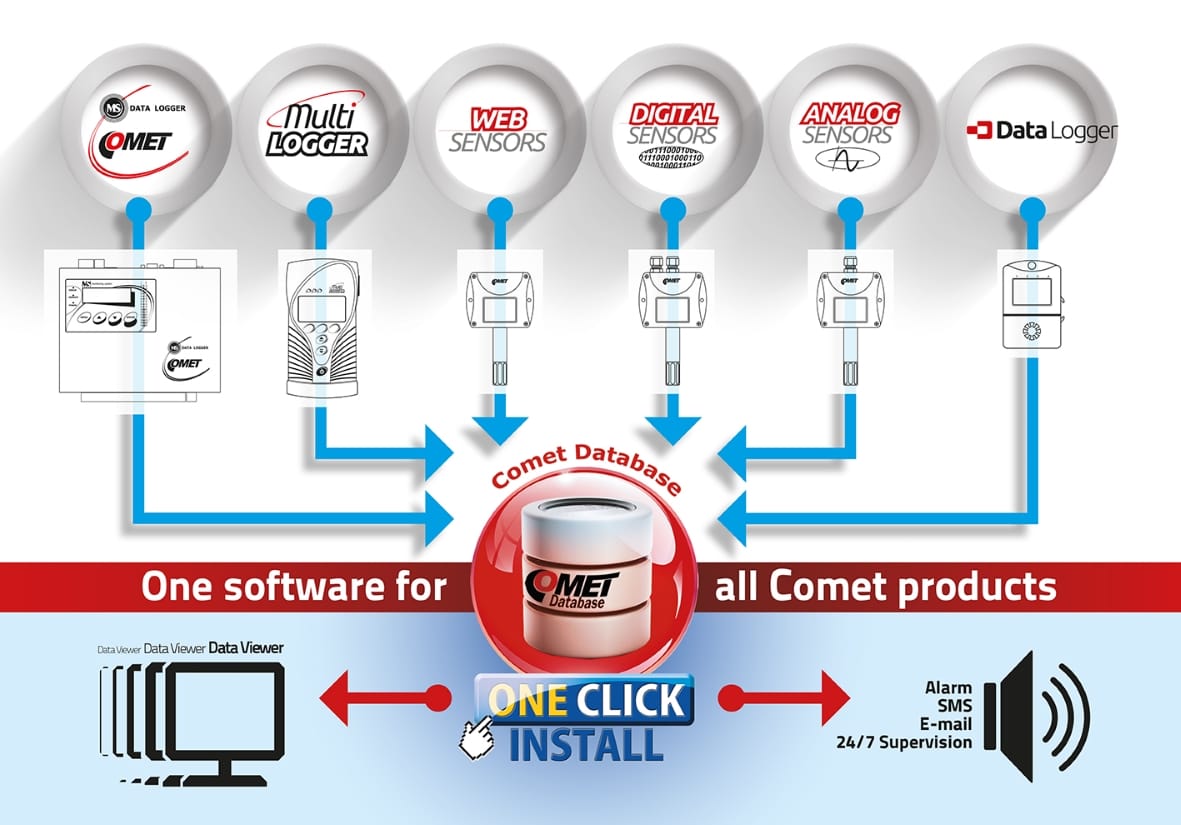
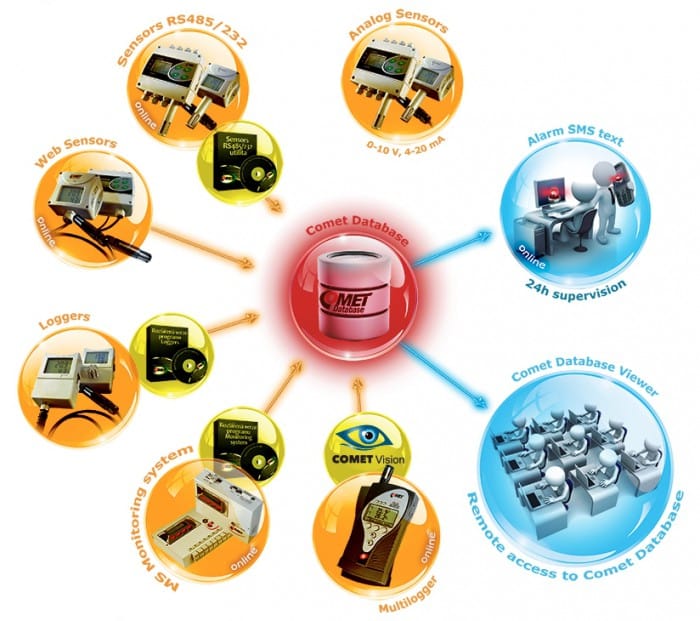
System for collecting, alarming and analysing of measured data from all COMET devices.
COMET Database
System for collecting, alarming and analysing of measured data from all COMET devices.
- data tracking, creating of reports, prints, charts, graphs, export of data
- SMS alarms (necessary to buy KIT-GSM-W) and Emails
- data collection
- simple and fast access to data
- data store
- easy installation
How to start?
- read chapter 1. "Preparation Comet Database system" in the COMET Database manual before installing/updating the software.
-
codeCDB
Features
Easy data files management using COMET Database software
For users of COMET products is available software solution for data collection in one central database, based on MS SQL. System is suitable for users, who need analyze data from COMET devices.
COMET Database contains of many useful tools for data analysis - graphs, tables, statistics etc. COMET Database also offers advanced features - secured access to data, accounts administration, remote monitoring, error diagnostic, database backup etc.
Required software for running COMET Database
Multiloggers - COMET Vision + COMET Database
DataLoggers - COMET Vision + COMET Database
Monitoring Systems MS - paid licence SWR003 + COMET Database
WebSensors - COMET Database
Sensors RS485/232 - Sensor RS485/232 utility + COMET Database
COMET Database offers
- data stored in one place and accessible with COMET Viewer
- easy setting of alarmsSMS texts and email alarming
- acoustic and visual signalization of alarms
- compatibility to all COMET devices and 3rd party devices (with P2520 transducer or MS system)
When do you need COMET Database?
- supervision 24 hours
- data storage
- simple and clear access to measured values
- single repository for all devices COMET
- alarm SMS messages and e-mails
Database Viewer enables among others
- To select any channel of any COMET device and any time interval for analysis
- To present data in table and graph - known formats similar to table and graph in optional MS logger program. Presented are analog values, binary states, alarm states, channels named by the user etc.
- To print and export to file of both table and graph. Export is enabled to PDF file or TXT file - for work in MS Excel
- To save sets of selected channels. This simplifies work with viewer with repeated requests.
Example: User frequently analyzes data from temperature and humidity channels from three data loggers. So user saves selected channels to set “temperature and humidity“. In the next comeback to this analysis user only uses proper set and selects time interval.
Minimum hardware and software requirements for installing the COMET DATABASE system
- Operating system:
- Windows 10 version 1607 or later, 64-bit edition
- Windows 11, 64-bit edition
- Windows Server 2016 or later, 64-bit edition
- Note: On operating systems older than Windows 10 version 1903 and Windows Server 2022, Microsoft .NET Framework 4.8 may not be included in the default system installation. In such cases, it must be installed before the installation.
- Software requirements:
- Microsoft .NET Framework 4.8
- Microsoft SQL Server 2019 or later
- Enabled network protocols and ports required for communication between devices and the COMET DATABASE service, especially HTTP or HTTPS according to the system configuration
- Minimum hardware requirements:
- Processor: x64 processor, minimum 1.4 GHz
- Memory: minimum 4 GB RAM
- Free disk space: minimum 30 GB for system installation, database components, operational files, and basic data storage
- Recommended hardware configuration:
- Processor: x64 processor, 2.0 GHz or faster, multiple cores recommended
- Memory: 8 GB RAM or more
- Free disk space: more than 50 GB, depending on the number of devices and record frequency
- Note on OneClick automatic installation: During OneClick automatic installation, the free Microsoft SQL Server Express edition is installed, which has a database size limit of 10 GB per database. For larger installations, this limit must be considered according to the expected volume of stored data, and it may be necessary to perform a manual installation and use the Microsoft SQL Server Standard edition.
The licence is not portable and can be used only on PC where was installed.
Optional accessories and download
Software
 Comet Database One Click Installer (22.1-II)
Comet Database - history of changes
Comet Database - manual
How to run programs with database connection configuration taken from file
Database Viewer 3.23.0.0 dbapi 22.1
Comet Database One Click Installer (22.1-II)
Comet Database - history of changes
Comet Database - manual
How to run programs with database connection configuration taken from file
Database Viewer 3.23.0.0 dbapi 22.1
Catalogs
Catalogue Sheets - COMET Database
Related products

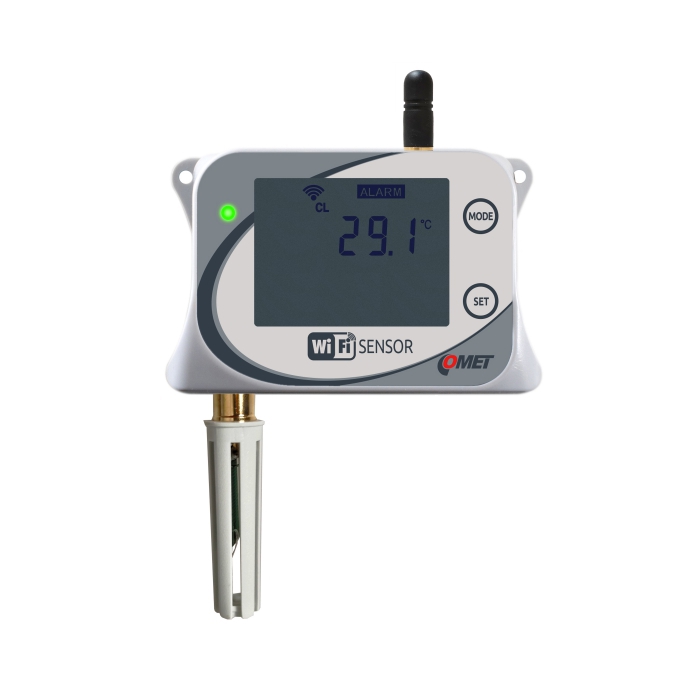
WiFi temperature sensor with integrated probe
code
W0710
WiFi temperature and relative humidity sensor with integrated probe
code
W3710
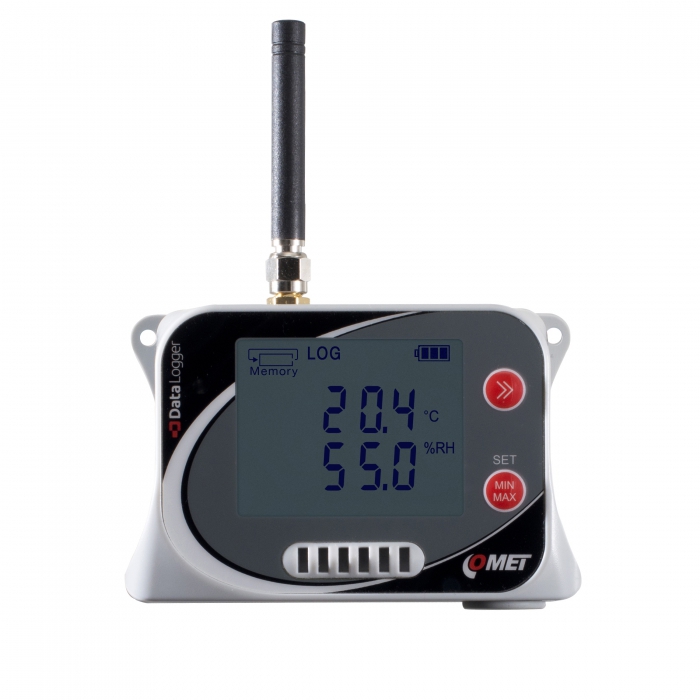
IoT Wireless Temperature and Relative Humidity Datalogger, with built-in 2G modem
code
U3120M
Wireless thermometer, hygrometer barometer, Sigfox IoT
code
W7810
Web Sensor with PoE - remote thermometer hygrometer with Ethernet interface
code
T3610
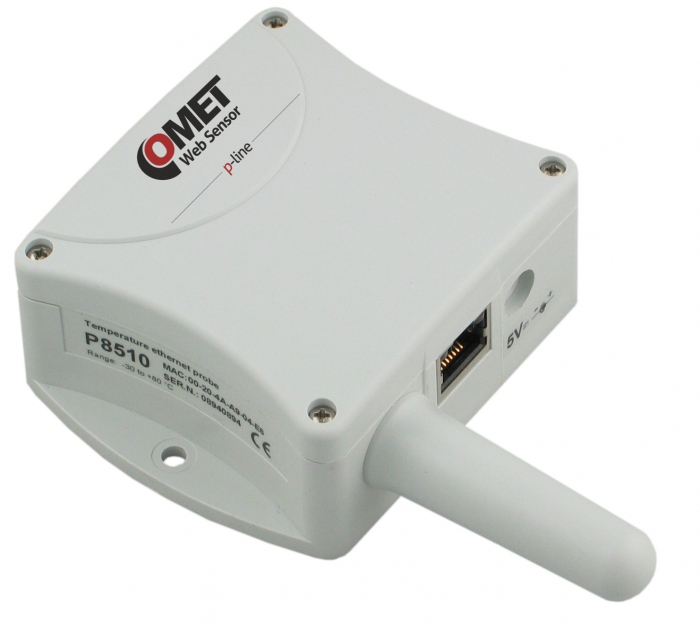
Web Sensor with PoE - remote thermometer
code
P8610
COMET Cloud
code
cloud
COMET VISION - Analytical Software for Dataloggers and Multiloggers
code
CV